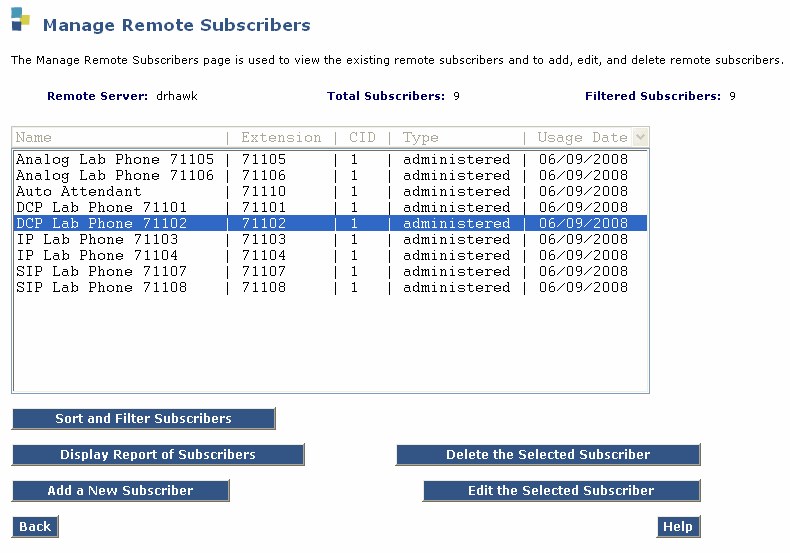
Messaging Administration -> Subscriber Management -> Manage button (On the Remote Subscribers row)
Table: Manage Remote Subscribers page
| Field |
Description |
| Extension |
Extension of the remote subscriber |
| Name |
Name of the remote subscriber if known |
| Type |
Type of remote subscriber listed—administered,
verified, or unverified |
| Usage Date |
Last day the remote subscriber associated with this extension had activity, was on the mailing list, or was the sender of a message not yet deleted |
| CID |
Displays the community ID for each remote subscriber |