

|
|
|
Connect the services laptop computer to the dedicated services port (default is port 2 [Eth1]) on the back of the media servers using the black crossover cable.
The following administration uses the services laptop computer and the media server Web interface.
NOTE: Depending on your laptop computer's operating system (generally Windows 95/98), you may need to clear the Address Resolution Protocol (ARP) cache before entering a new IP address. If you enter an IP address, and your computer cannot connect, then you may need to clear the ARP cache.
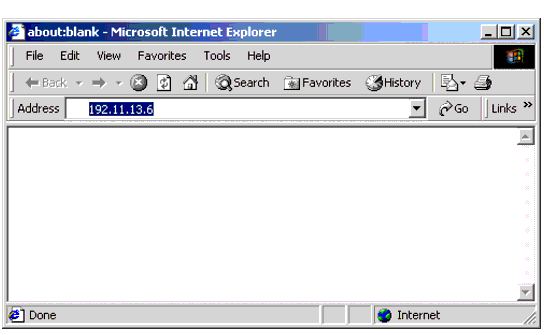
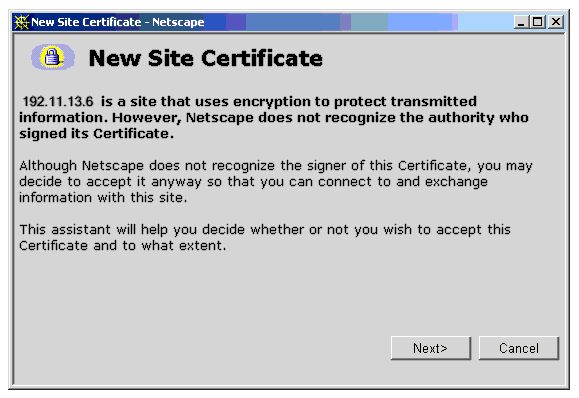
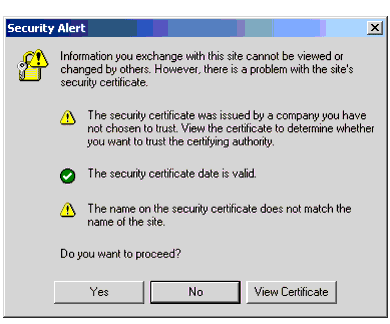
NOTE: The first time you attempt to log in, you get a Web page asking you to install a security certificate. Follow the instructions for your particular browser to accept the certificate. You can also install the certificate on your services laptop computer by following the instructions in your browsers online help.
Follow the instructions in the New Site Certificate wizard. Select "Accept the certificate for this session" �
Follow the instructions in the Security Alert wizard.�
|
|
|