Log in to the S8300 Web Interface from Your Laptop
To run the Web Interface
Begin _____________________
- Open Internet Explorer (5.5 or later) on your computer.
- In the Address (or Location) field of your browser, type the 192.11.13.6 (or, for a LAN connection, the IP address of the media server on the customer LAN) and press Enter.
If your browser does not have a valid security certificate, you will see a warning screen and instructions to load the security certificate.
The system displays the Welcome screen. 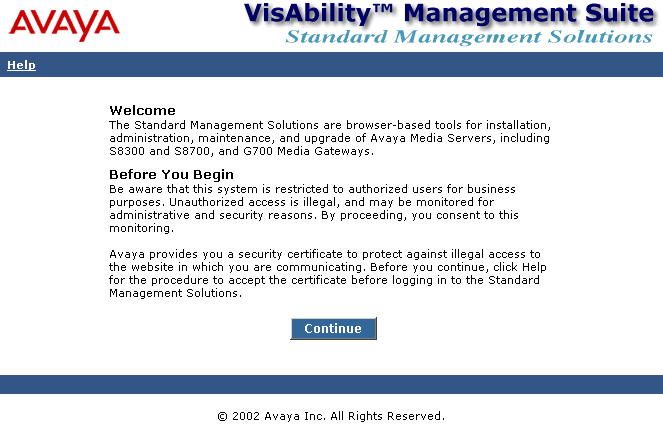
- Click the Continue button.
- Accept the server security certificate to access the Login screen.
The system displays the Login screen. 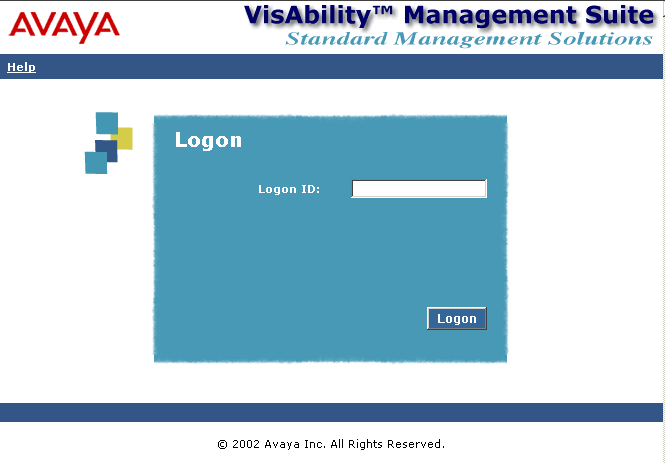
- Log in as craft.
The system displays the main menu for the VisAbility Management Suite.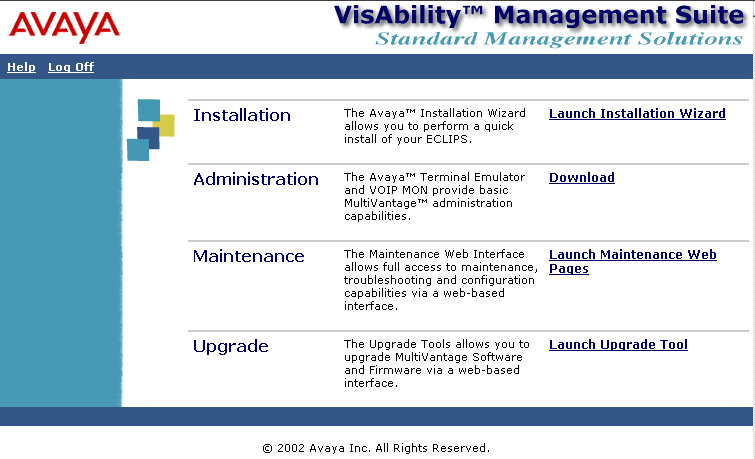
- Click on the link for Launch Maintenance Web Pages
The system displays the S8300 main menu in the left panel and a usage-agreement notice in the right window.
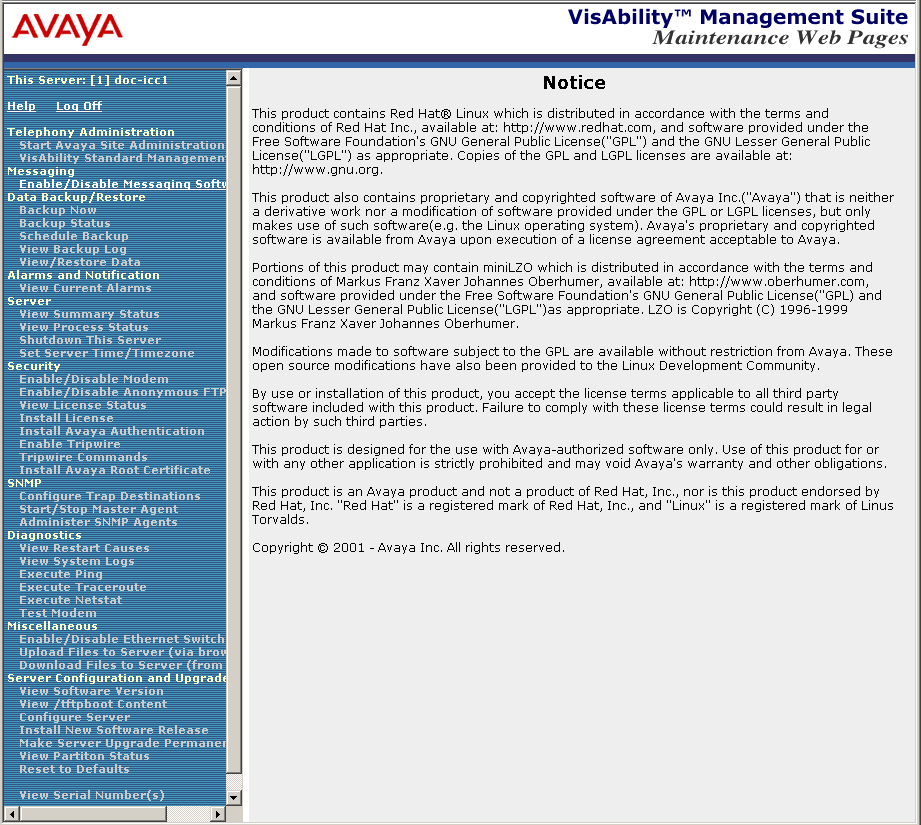
- Check the top of the left panel.
- The Avaya Media Server you are logged into is identified by name and server number.
- The S8300 Media Server number is always 1.
End _______________________

