Messaging Administration -> Subscriber Management -> Manage button (From the Local Subscribers row)
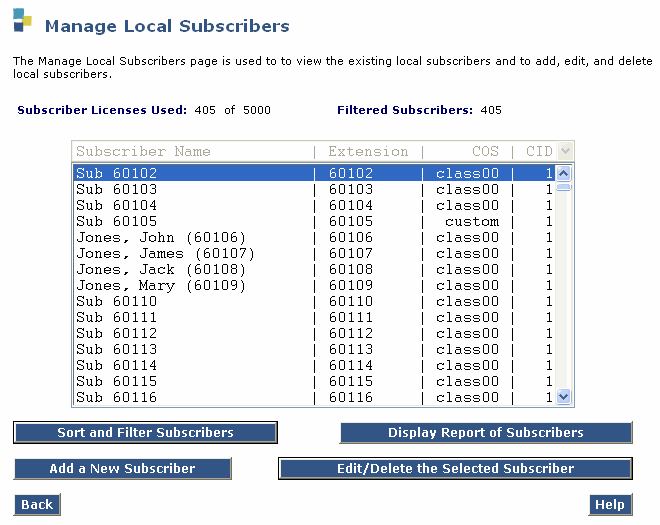
Table: Column Definitions: Manage Local Subscribers page
|
Column Name |
Valid Input |
Description/Procedure |
| Name: |
Display only |
This column indicates the names of the local subscribers. The subscriber names are listed in alphabetic order. The list starts with the first alphabetic name or with the name specified on the command line. |
| Extension: |
Display only |
This column indicates the telephone extension numbers of the local subscribers. |
|
COS |
Display only |
This column indicates the name of the subscriber's assigned Class of Service. |
Note: Manager Remote Subscribers page also displays the same columns.








