

|
|
|
The zone matrix is a graphic presentation of test results for a specific zone. A matrix of colored cells shows the measured network performance between every combination of the zone’s subzones. Figure 22 shows a zone matrix.
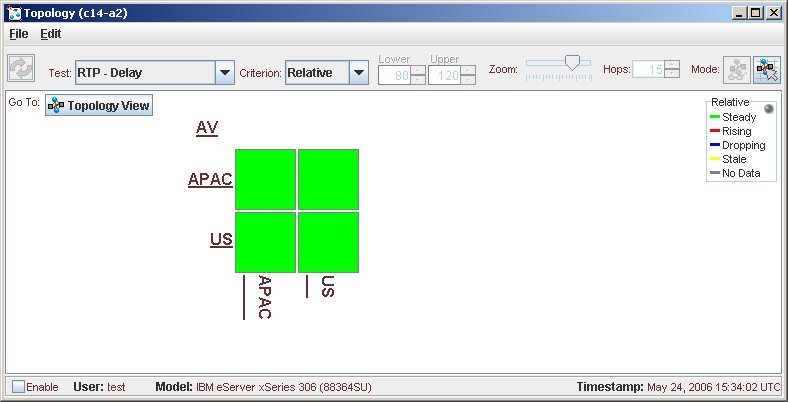
The cell at the intersection of each row and column contains one-way test results from the subzone listed on the left to the subzone listed at the bottom. Subzones that are bold type and underlined contain further subzones. Holding the mouse over any cell shows its source, destination, and test result.
In Figure 22, intra-zone testing is enabled. Intra-zone tests are run between two CNA agents in the same zone or subzone. By default intra-zone testing is enabled, but you can disable it. For more information on intra-zone testing and how to disable it, see Disabling intra-zone tests in Configuring Agent-Based Measurement of the CNA Basic Monitoring Guide.
By default, the zone matrix shows test results for the root zone and RTP delay in terms of the relative thresholds (steady, rising, dropping, stale, or no data). For more information on relative thresholds, see Chapter 5: Configuring Agent-Based Measurement in the CNA Basic Monitoring Guide.
In the top, right-hand corner of the window, a color key shows the colors used to indicate the various measurement statuses. The statuses vary according to the display criterion that you select.
|
|
|