

|
|
|
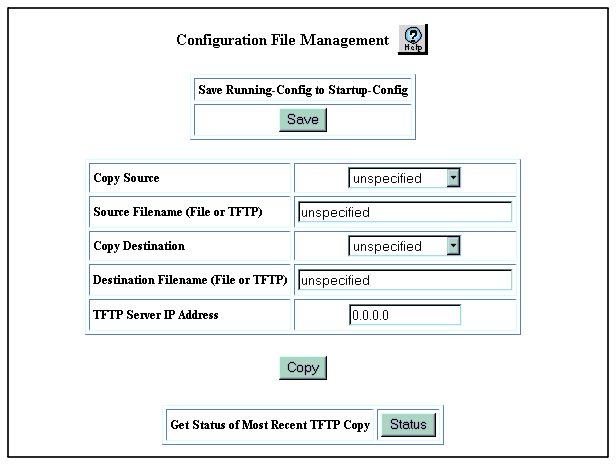
To save your running configuration as your startup configuration in NVRAM using the Web Agent:
The Configuration File Management Web page is displayed in the content pane. See Figure�2-19.
Figure 2-19. Configuration File Management Web Page
* Note: You can also save the running configuration to the startup configuration through the Configuration File Management Web page. See "Copying Files" for that procedure.
|
|
|