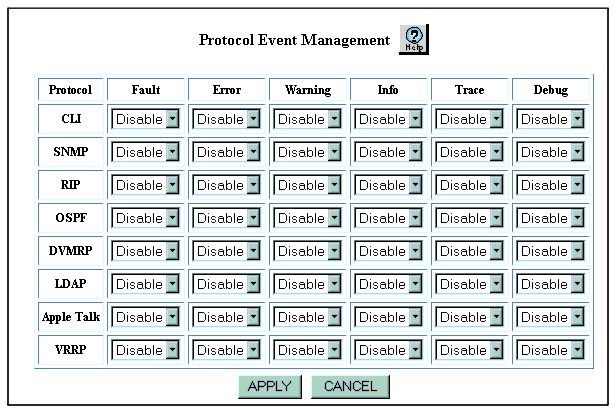
Table 21-3. Protocol Event Categories
| Event Category |
Explanation |
| Fault |
Serious errors that can cause a system crash, for example, panic. The default setting is Disable. |
| Error |
Serious errors that will not cause a system crash but can contribute to protocol problems. |
| Warning |
Noncritical errors. The default setting is Disable. |
| Info |
Event details. The default setting is Disable. |
| Trace |
Packet traces. The default setting is Disable. If you enable Trace logging, all protocol packets sent and received are logged as protocol events. |
| Debug |
Event messages used to troubleshoot a network problem. The default setting is Disable. |
| END |