

|
|
|
After you have assigned IP addresses to the Cajun Stack Processor, the G700 Media Gateway, and the VoIP resources, do the following to check for IP connections:
where IP_address is the address of an S8700 CLAN board, the VoIP engine, or any other functioning endpoint accessible on the customer's LAN. It is recommended to ping endpoints on both the same subnet and a different subnet.
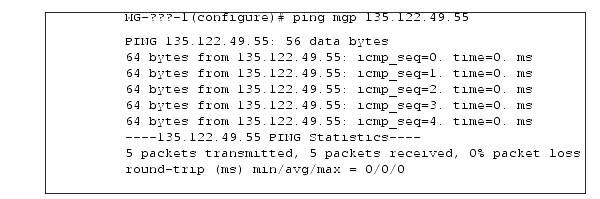
Ping results appear on the screen, similar to the following example.
where IP_address is the address of the G700, or any other functioning endpoint on the customer's LAN.
Ping results appear on the screen, similar to the following example.

|
|
|