|
|
|
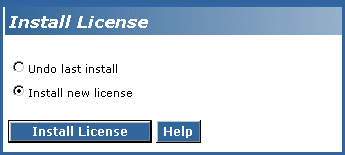
To install the license and authentication files
Begin _____________________
After you install the license file, the media server will be in No License Mode until the media server recognizes the reference G700 (the G700 in which the S8300 or LSP is physically inserted), which is after it receives its IP address later in the process. This is normal on a new installation.
Installing the Avaya authentication file removes all default passwords and establishes new ones. After the installation, services logins specific to the media server are protected through Access Security Gateway (ASG), which means a craft login will be challenged.
|
|
|