Data plot
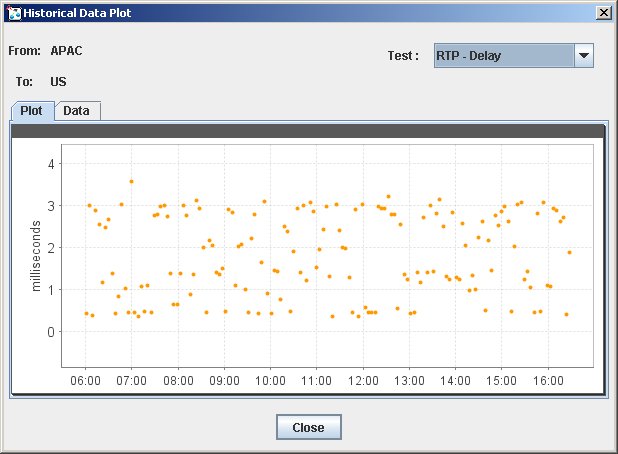
Use a data plot to view test results for a specific test variable, specific criterion, and specific cell. Figure 23 shows a data plot.
Figure 23: Historical data plot
To view the data plot for a cell:
- Open the zone matrix. See Viewing the zone matrix.
- Click the cell for which you want to view the data plot. The data plot of test results is displayed.
- To change the test variable, in the Test field, select the test variable for which you want to view results.
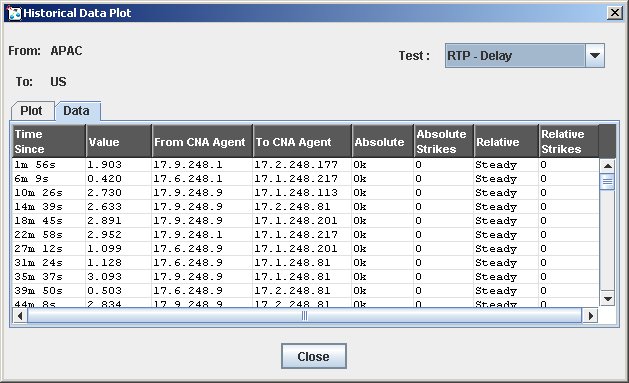
- To see a text report of the data, click the Data tab. Figure 24 shows the text report for Figure 23.
Tip: Click a column heading to sort the data by that category. Click once to sort in ascending order or twice to sort in descending order.
Figure 24: Historical data plot: text report